
Songs
Popular songs are copyrighted
Film and album tracks belong to their labels and composers. The safest choice is the licensed music library inside the app you post with.
A how-to guide for short status videos
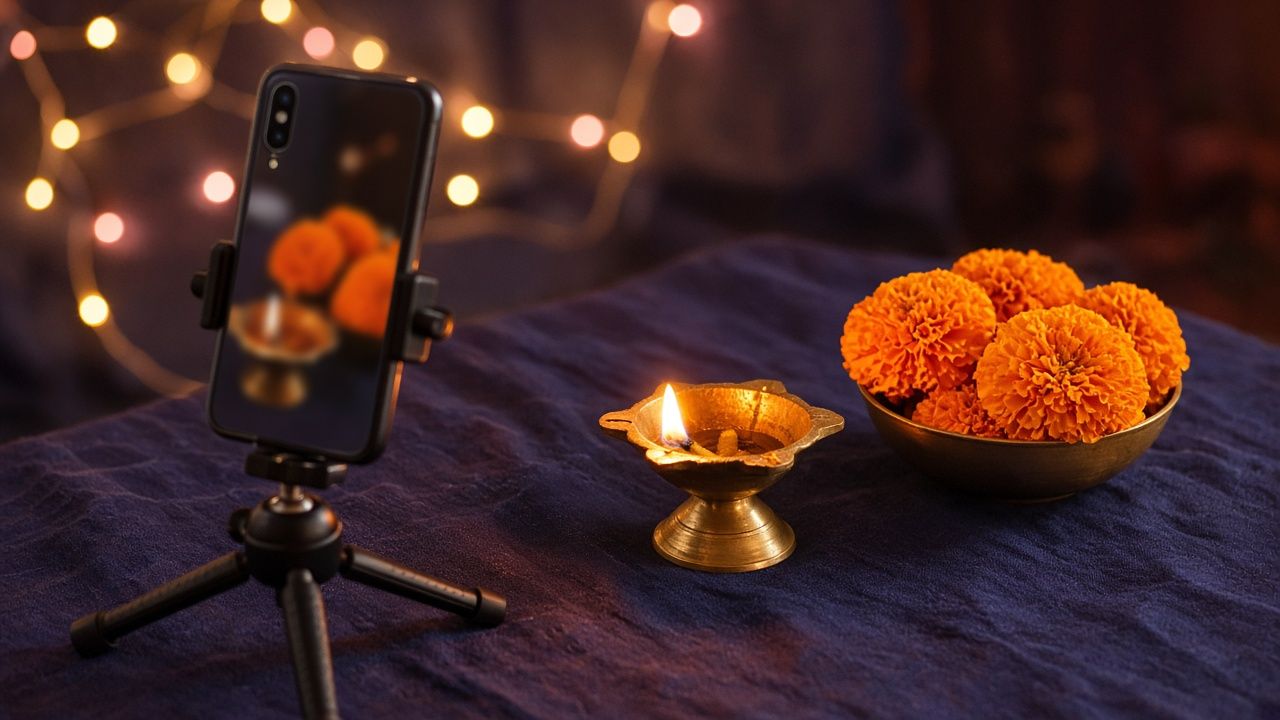
MK Video Status shows you how to shoot, cut, caption and score your own short vertical videos on a phone, for festivals, birthdays, good mornings and everything in between, using clips and music you are allowed to use.
Three guides
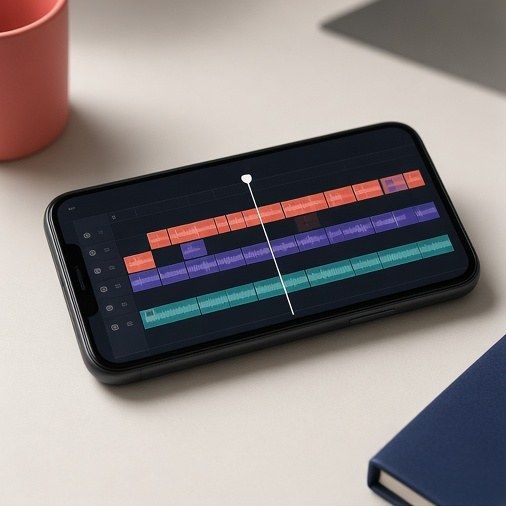 Take 1Status Editing
Shooting steady, cutting on the beat, transitions that do not distract, and exporting without blur.
 Take 2Sizes & Formats
9:16, 4:5, 1:1 and 16:9, safe zones for text, frame rates and file settings.
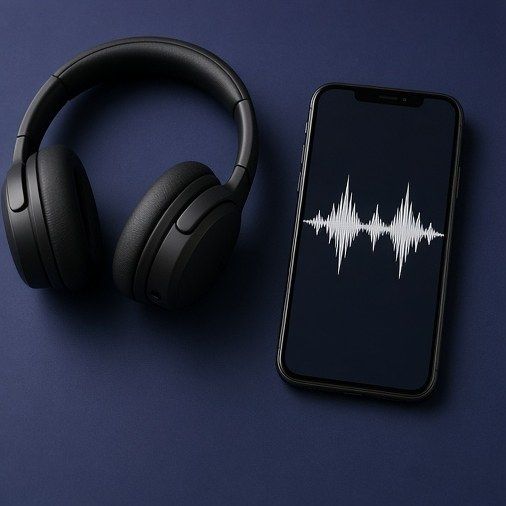 Take 3Captions & Music
Readable captions, fonts and colours, and the basics of using music legally.
Pick the shape first
Tap a shape to preview it. Status and story screens are tall, feeds like 4:5 or square, and wide 16:9 suits video sites and TVs.
9:16, 1080 by 1920 pixels: full-screen status and stories.
A storyboard you can reuse
0 to 3 s
Open on the most striking moment: the lamp being lit, the first smile, the big reveal. Viewers decide in a second or two whether to keep watching.
3 to 12 s
Two or three short shots that show where you are and who it is for. Hold each one for one to three seconds.
12 to 25 s
Cut on the beat of the music, move closer with each shot, and keep any text on screen long enough to read twice.
25 to 30 s
Finish on a calm, clear frame with your message, such as a greeting or a date, and let the music fade out rather than stop.
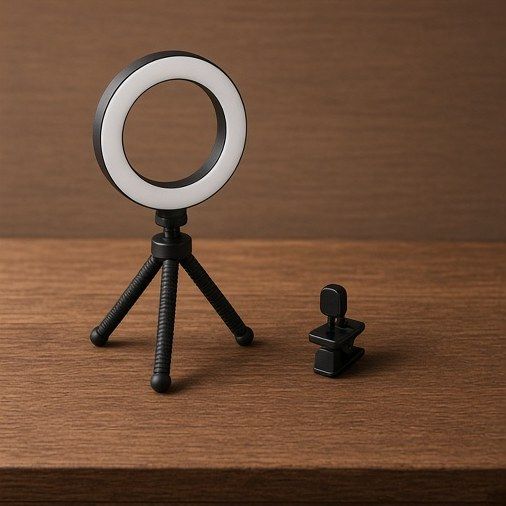
Kit you probably own
Music and clips, the honest version
Songs
Popular songs are copyrighted
Film and album tracks belong to their labels and composers. The safest choice is the licensed music library inside the app you post with.
Free music
Royalty-free is not the same as no rules
Read the licence. Some tracks need a credit line; some forbid commercial use. Keep a note of where each track came from.
Clips
Film your own moments
Scenes cut from films, TV and other people’s videos are not yours to repost. Your own footage avoids takedowns and feels more personal.
Questions people ask
Short versions. The three guides go into more detail.
No. This site is a guide to making your own videos. It does not host, send or download clips, songs or other people’s statuses.
Each app sets its own limit and changes it from time to time, so check the app before you edit. Short pieces of 15 to 30 seconds work almost everywhere.
Apps compress uploads. Export at the shape and resolution the app expects (usually 1080 by 1920 for a tall video), avoid heavy zooms, and shoot in good light.
No. The editor built into most phones and the free versions of popular apps can trim, cut, add text and music. Watch for watermarks on free exports.
Not by itself. Credit does not replace permission. Use licensed in-app music, tracks whose licence allows it, or music you made.
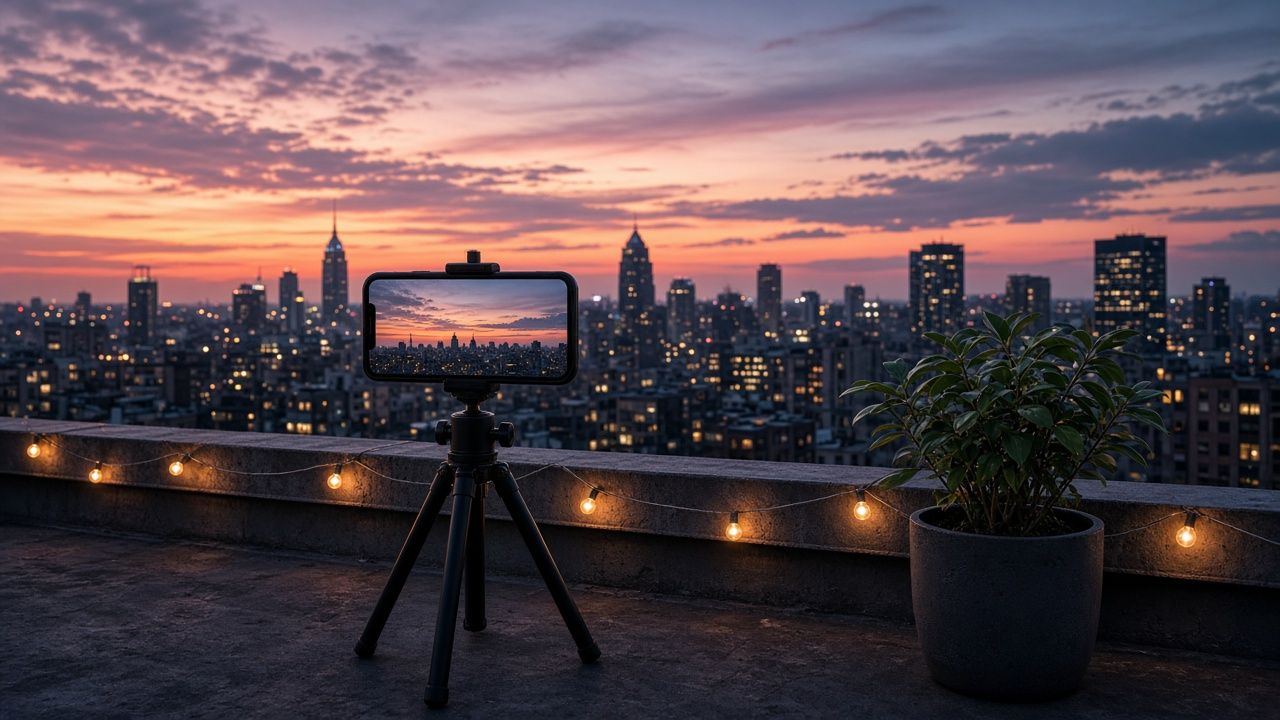
Shoot ten minutes of sky as the lights come on, then frame it right for every screen.
Open Sizes & Formats